Unified Multi Channel Support For Modern Customer Service
EasyDesk connects multiple support channels in one platform so teams manage conversations faster and maintain consistent customer service. It unifies tickets, chats, and emails into a single shared workspace for better visibility. Teams reduce response gaps and ensure every customer interaction stays tracked and organized.
- Manage conversations from multiple platforms
- Unified inbox for customer messages
- Faster responses across all channels
- Consistent support across communication channels
- Clear visibility into customer conversations
Why Support Teams Struggle Without Multi Channel Support
Customer conversations arrive through many platforms today. Managing each channel separately creates confusion, slower responses, and poor visibility for support teams.

Disconnected Customer Conversations
Customer messages arrive through different platforms, forcing agents to search multiple tools to understand conversations and maintain consistent communication with customers.

Missed Messages Across Platforms
Important customer inquiries sometimes remain unnoticed when support teams monitor separate communication tools instead of managing all conversations inside one centralized system.

Slow Response Across Channels
Agents switching between multiple communication platforms spend extra time locating conversations, which slows responses and reduces support efficiency across growing customer requests.

Lack Of Conversation Context
Customer interaction history becomes difficult to follow when previous conversations exist across different channels without unified visibility for support agents.

Inconsistent Customer Support Experience
Customers often receive inconsistent service quality when communication channels operate independently and support teams manage each platform using separate tools.

Limited Visibility For Support Managers
Support managers struggle to monitor conversation activity and team performance when customer messages remain scattered across multiple communication platforms.
EasyDesk Multi Channel Support For Unified Customer Communication
EasyDesk connects customer conversations from different platforms into one unified workspace, helping support teams manage interactions efficiently and respond faster.

Unified Customer Message Inbox
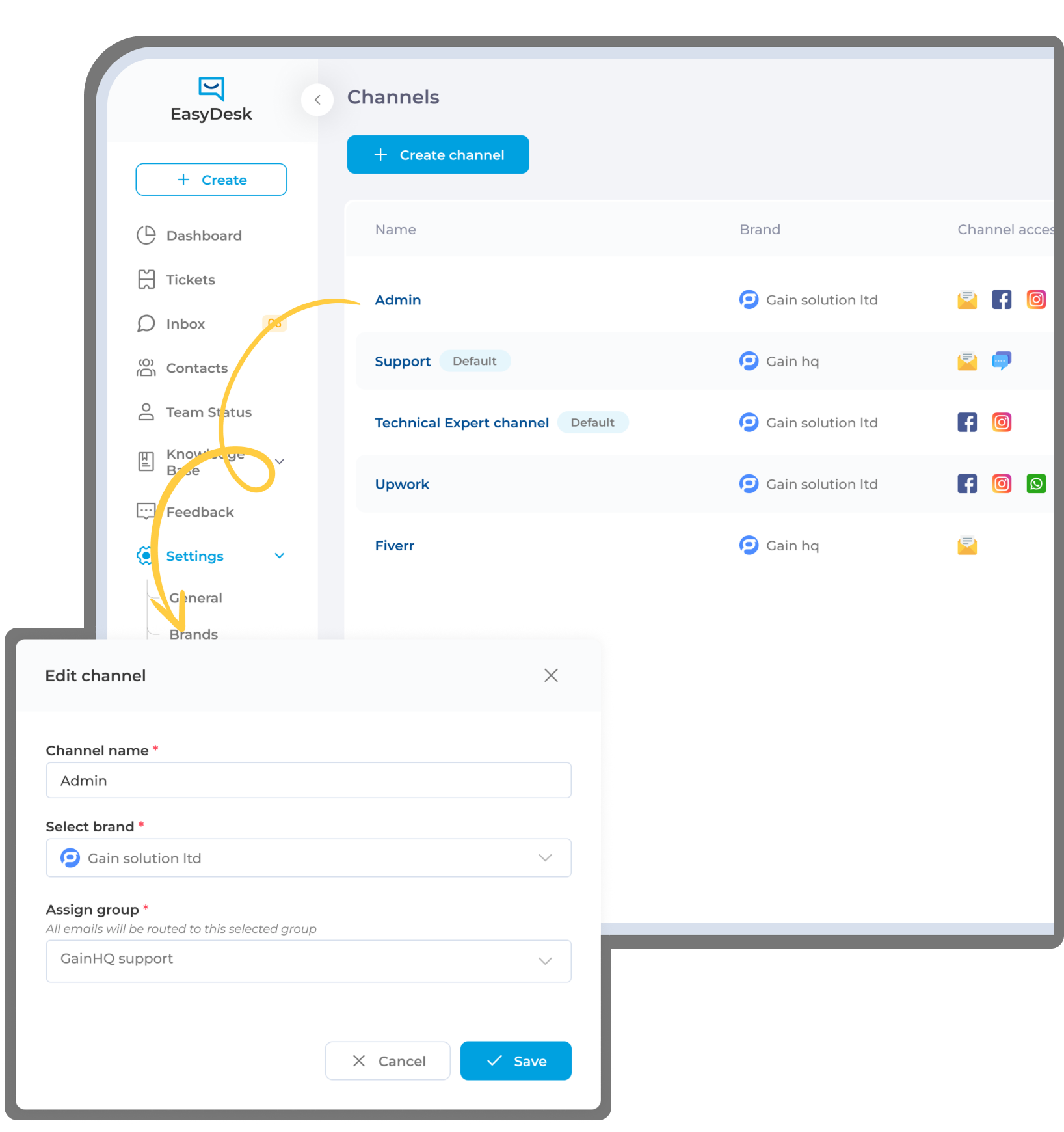
EasyDesk gathers messages from email, live chat, social platforms, and web forms into one centralized inbox for easier conversation management.

Smart Channel Based Ticket Routing
Requests from different communication channels automatically route to the appropriate support teams based on message type and support responsibility.

Consistent Conversation Tracking
Every customer interaction remains recorded within a single conversation timeline, allowing agents to understand issues quickly without switching platforms.

Priority Identification Across Channels
Urgent customer requests across different platforms are recognized early so support teams respond quickly and prevent important issues from being overlooked.

Centralized Support Monitoring
Managers gain clear visibility into conversations across all channels, helping teams track response activity and maintain consistent customer service performance.

Structured Support Workflow
EasyDesk organizes incoming conversations from multiple platforms into structured tickets so support teams manage communication efficiently from request to resolution.
One Platform For Every Customer Conversation
EasyDesk centralizes customer communication from multiple channels, helping teams respond faster while maintaining consistent support across platforms.
80%
FASTER CROSS CHANNEL RESPONSES

Accelerated Customer Communication
Unified messaging across email, live chat, social platforms, and web forms allows support teams to respond faster without switching between tools.
100%
UNIFIED CUSTOMER CONVERSATIONS

Complete Interaction Context
Every message from different channels appears inside one conversation timeline, giving agents full customer context for accurate and consistent support responses.
24/7
MULTI PLATFORM ACCESSIBILITY

Always Available Customer Support
Customers can reach support through their preferred communication channel anytime while EasyDesk centralizes conversations inside one organized support workspace.
65%
LESS TOOL SWITCHING

Higher Agent Productivity
Agents manage conversations from multiple platforms within a single interface, reducing operational friction and allowing teams to focus on resolving issues faster.
Real-Time
CHANNEL PERFORMANCE VISIBILITY

Clear Support Activity Monitoring
Managers gain instant visibility into conversation flow, response performance, and team workload across all communication channels.
Scalable
OMNICHANNEL SUPPORT OPERATIONS

Ready For Growing Customer Demand
As communication channels and support volume grow, EasyDesk keeps conversations organized and manageable without increasing operational complexity.
Smart Multi Channel Support Features For Efficient Customer Service
Unified Inbox Across Communication Channels
EasyDesk gathers customer conversations from email, live chat, social platforms, and web forms into one centralized inbox. Support teams view and respond to messages without switching tools, keeping conversations organized while maintaining complete interaction history and improving response consistency across all customer communication channels.
Channel Based Ticket Creation
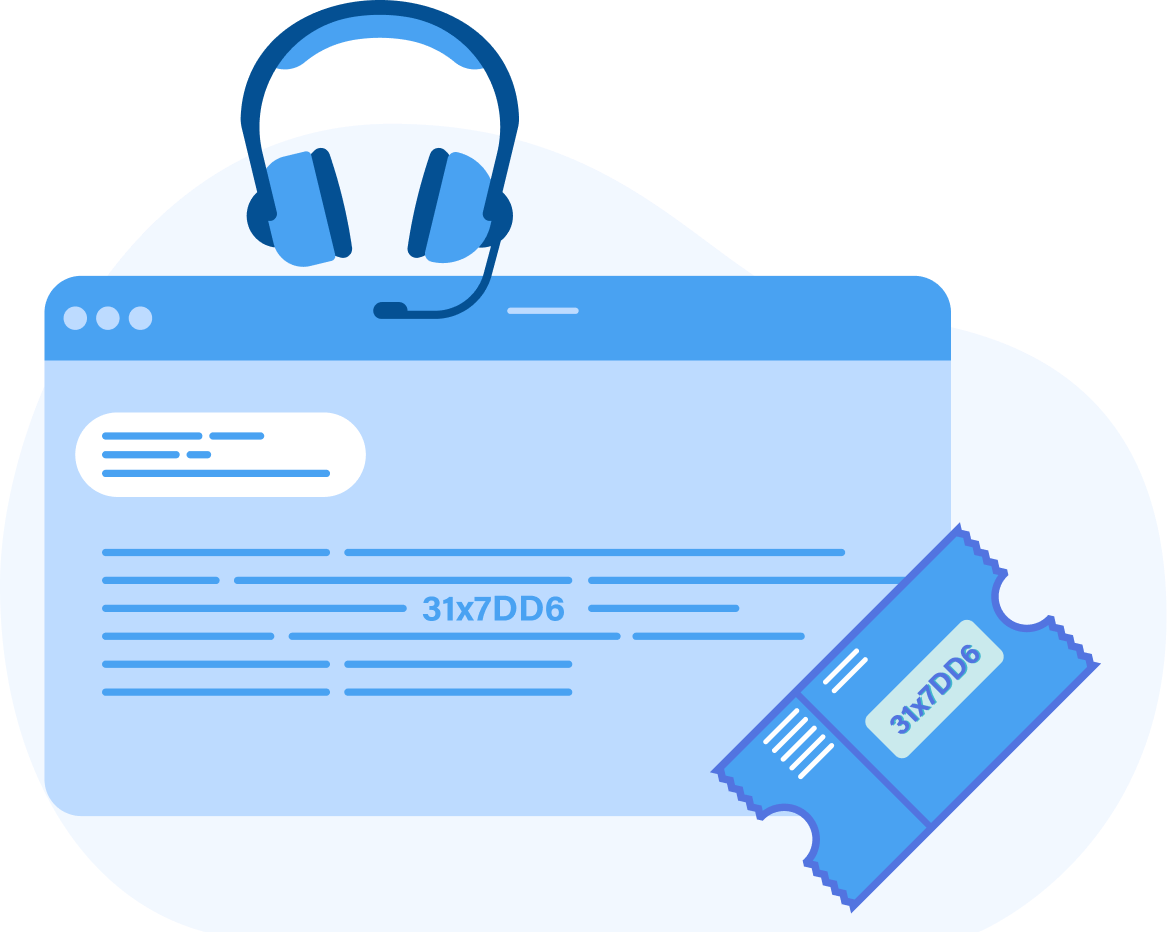
Incoming messages from different platforms automatically convert into structured support tickets. EasyDesk captures the message source, conversation details, and customer information so support teams manage requests efficiently while maintaining consistent tracking, accountability, and organization across all communication channels inside the helpdesk.
Cross Channel Conversation History
EasyDesk maintains a unified timeline of every interaction a customer has across different communication channels. Support agents instantly view previous conversations, responses, and updates, allowing teams to understand customer issues faster while avoiding repeated questions and ensuring a smooth support experience.
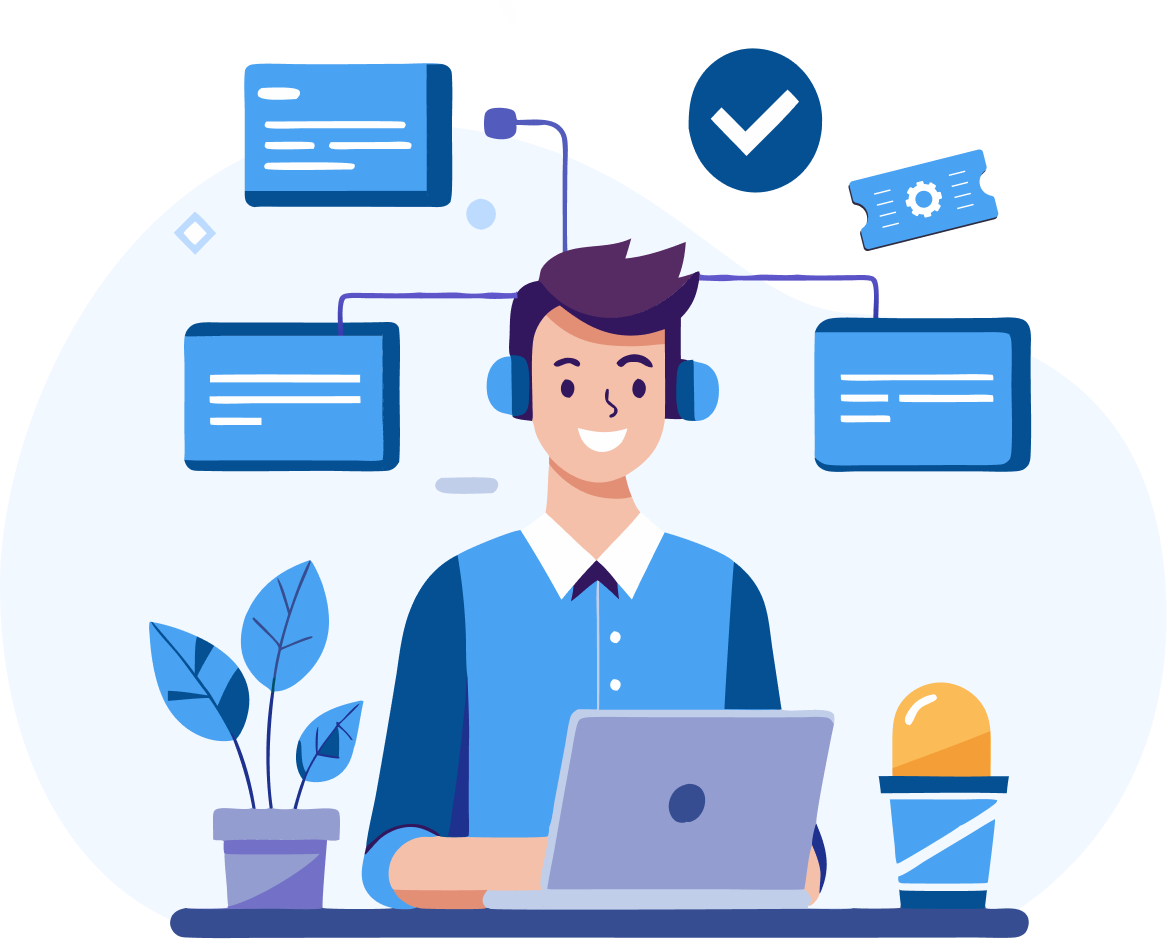
Smart Channel Routing
EasyDesk automatically directs conversations from different channels to the appropriate team or agent. Requests are distributed based on channel type, request category, or support responsibility so tickets reach the right team quickly, improving response speed and maintaining balanced workloads.
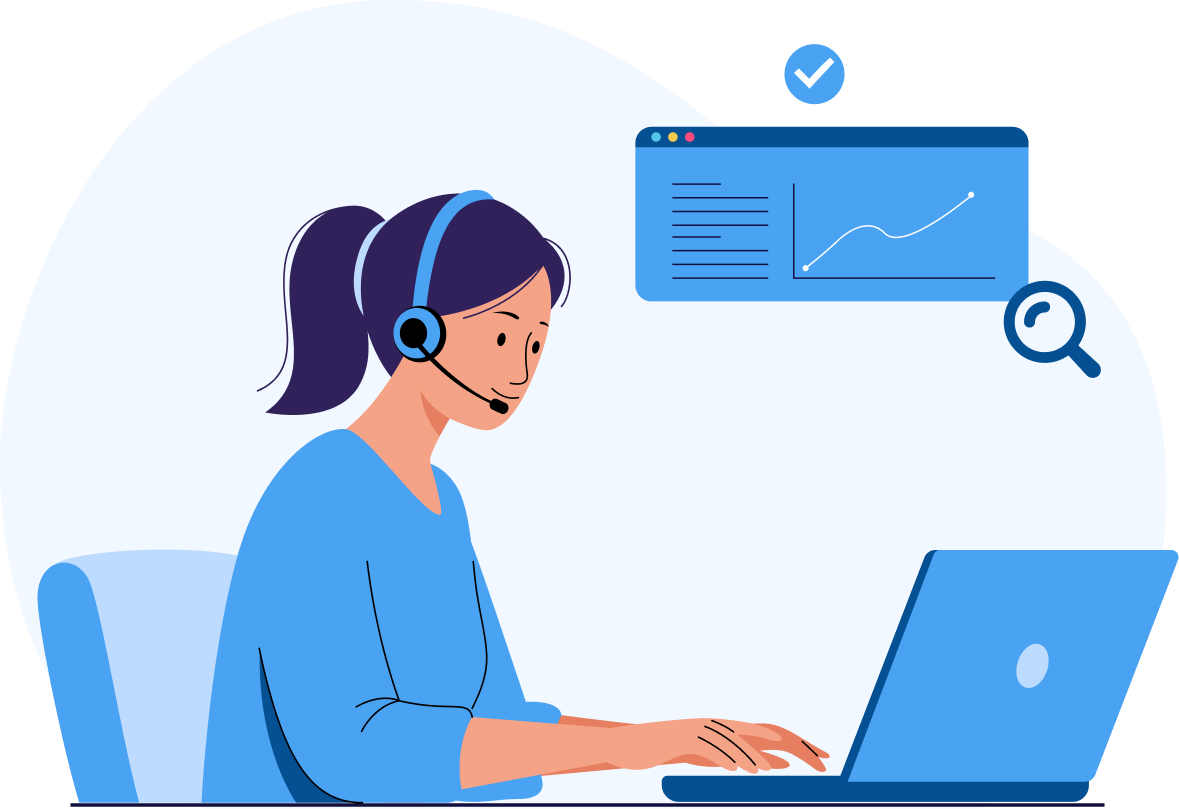
Centralized Channel Monitoring
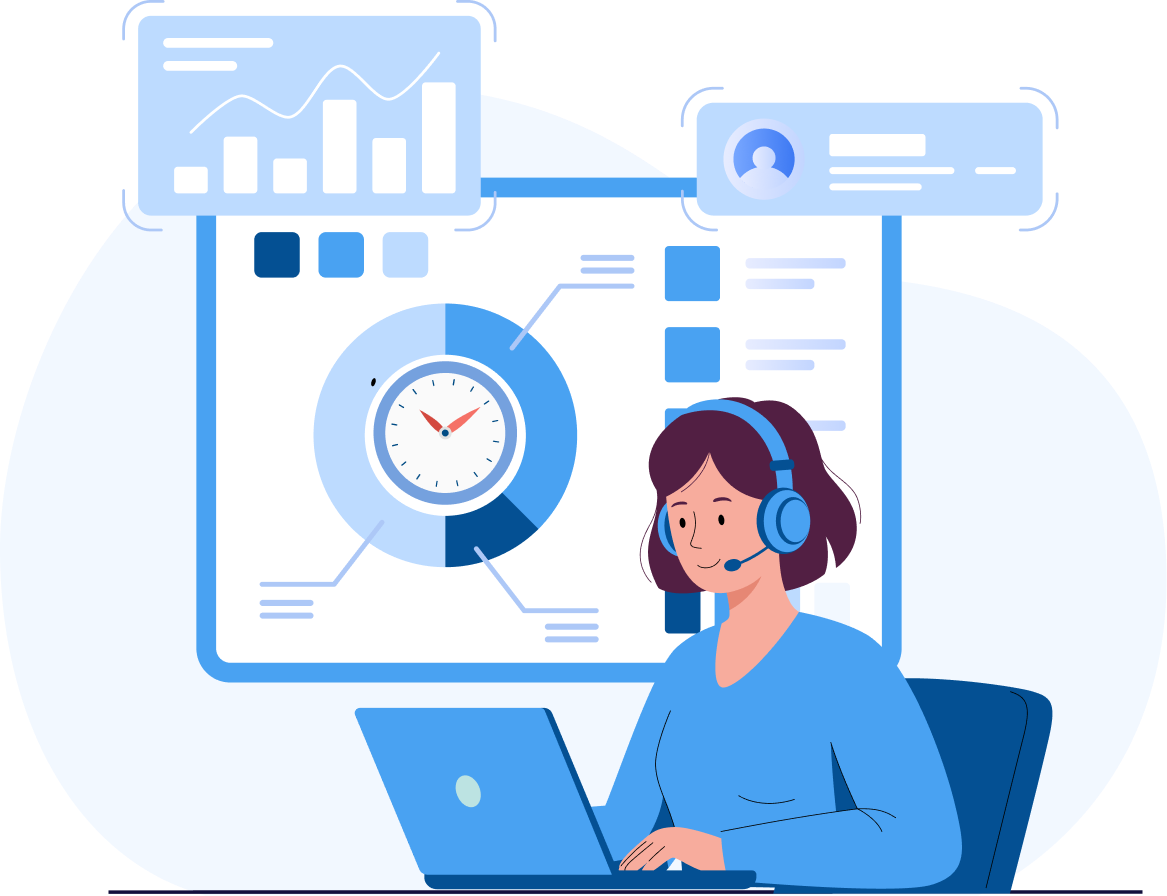
Support managers gain visibility into conversations across every connected communication platform. EasyDesk displays message activity, response flow, and team workload in one dashboard so managers track support performance and identify communication bottlenecks across channels more effectively.
Scalable Multi Channel Support Management
EasyDesk organizes customer conversations from growing communication channels without increasing operational complexity. As businesses expand their communication presence, support teams manage higher volumes of requests within one structured system while maintaining organized workflows and consistent service quality across platforms.
Simple Multi Channel Support Flow From Message To Resolution
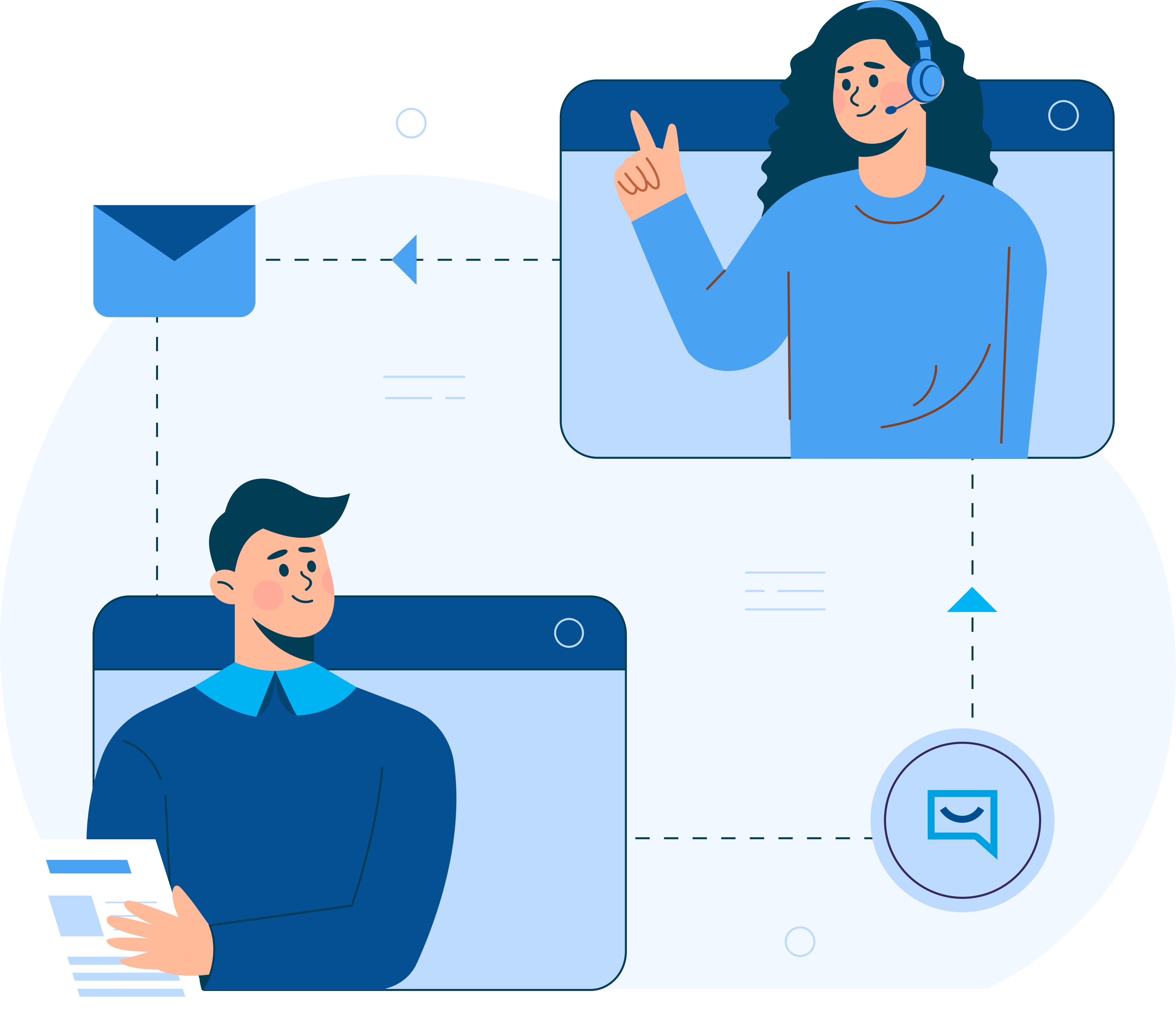
Messages Captured From Every Channel
Customer conversations from email, chat, social platforms, and web forms automatically enter EasyDesk, ensuring every request is recorded without manual tracking.
Channel Identification And Ticket Creation
EasyDesk recognizes the communication source and converts incoming messages into structured tickets with clear context and customer information.
Smart Routing To The Right Support Team
Requests automatically reach the appropriate agent or team based on channel type, issue category, or support responsibility.
Unified Conversation Handling
Support agents manage replies, updates, and follow ups inside one conversation thread while maintaining full visibility of customer interactions.
Multi Channel Support Impact Across Customer Service Teams
Support Teams
Centralized conversations from multiple communication channels allow agents to manage messages without switching platforms, helping them respond faster and maintain organized customer interactions.
Support Managers
Unified visibility across communication channels helps managers monitor conversation activity, track response performance, and balance workloads across support teams for better operational efficiency and insights
Customer Success Teams
Complete customer conversation history across platforms allows success teams to understand client concerns better and maintain stronger long term relationships with improved service consistency
Operations Leaders
Centralized communication management improves operational efficiency, simplifies oversight, and helps organizations scale customer support across multiple communication channels with greater control overall
Reliable Multi Channel Support For Consistent Customer Service
- Customer conversations remain organized across every communication channel
- Support teams manage messages without switching multiple platforms
- Complete conversation history stays connected across channels
- Customer interactions remain visible for teams and managers
- Support operations stay consistent as communication channels grow
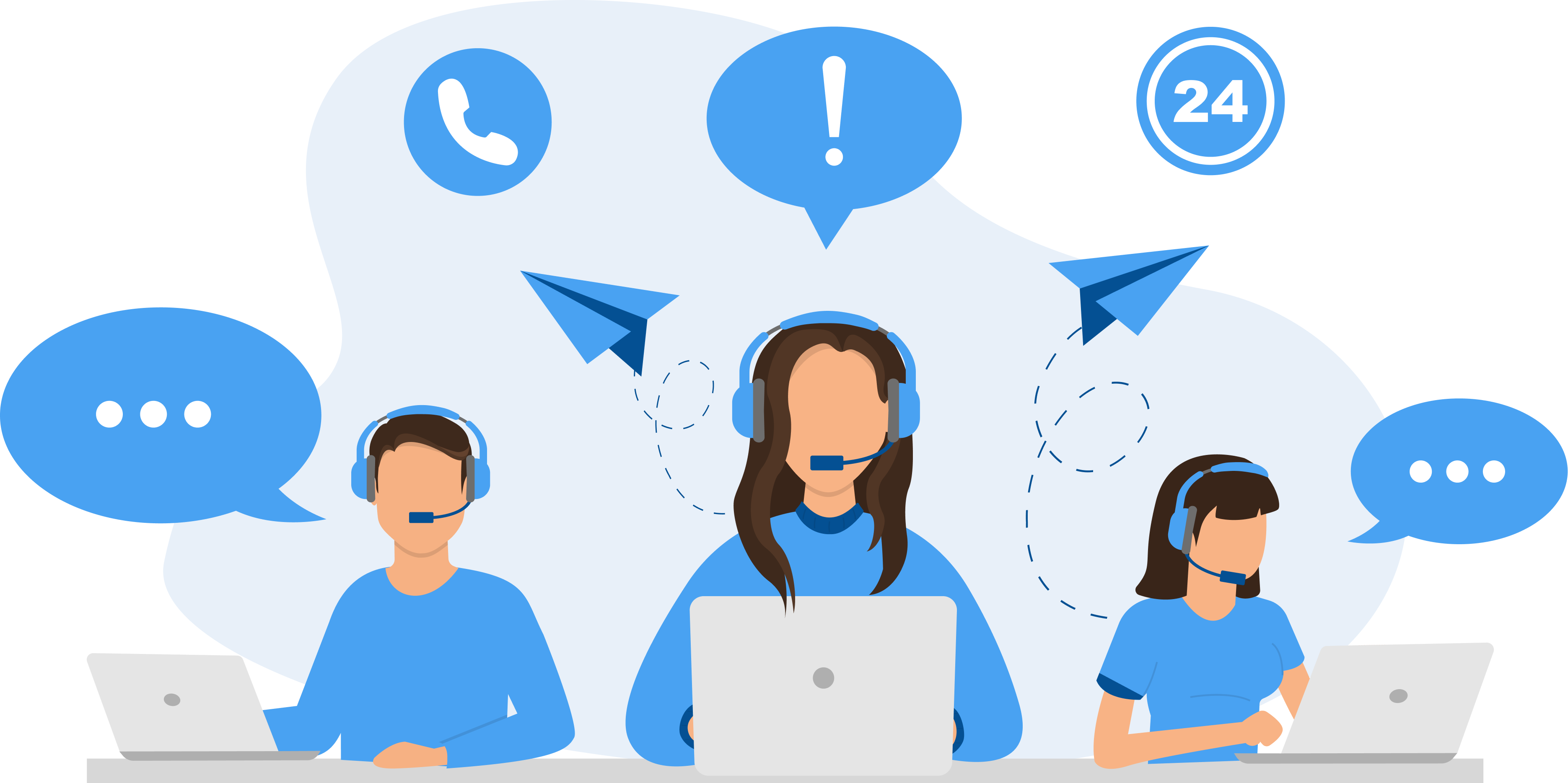
Strengthen Customer Communication With EasyDesk
Bring all customer conversations from email, chat, social media, and web forms into one organized platform. EasyDesk helps support teams manage messages efficiently, respond faster across channels, and maintain consistent service quality while handling growing customer communication demands.
Frequently Asked Questions
How Does EasyDesk Unify Conversations From Multiple Channels?
EasyDesk centralizes messages from email, live chat, social media, and web forms into one unified inbox. Support teams handle conversations from a single workspace, ensuring complete context, faster responses, and consistent customer communication across every channel without switching between tools.
How Does EasyDesk Prevent Customer Messages From Being Missed?
Every incoming message automatically converts into a structured support ticket. EasyDesk tracks requests across channels, ensuring conversations remain visible, organized, and assigned to the right team so no customer inquiry gets overlooked.
Can EasyDesk Maintain Full Customer Context Across Channels?
EasyDesk keeps a complete timeline of every customer interaction across communication channels. Support agents instantly view previous messages, updates, and responses, allowing them to understand issues quickly and deliver consistent support without asking customers to repeat information.
How Does Multi Channel Support Improve Support Team Efficiency?
Centralizing communication removes the need to switch between platforms. Support agents manage conversations from one workspace, reducing operational friction, improving response time, and allowing teams to focus on resolving issues rather than managing multiple communication tools.
How Does EasyDesk Scale Multi Channel Support As Businesses Grow?
EasyDesk organizes conversations from expanding communication channels within a structured system. As customer interactions increase, support teams manage higher volumes efficiently while maintaining visibility, response quality, and operational control across every communication platform.