Consider a small Berlin SaaS company with a team of 15 people. They signed up for a helpdesk tool three months ago. Yet support tickets still scatter across personal Gmail inboxes, Slack threads, and the occasional sticky note. Sound familiar?
User adoption is the bridge between a new signup and recurring revenue. For support and help desk tools, this gap determines whether your investment pays off or becomes another unused subscription. The stakes are real: churn increases, customer lifetime value shrinks, and expansion revenue disappears when teams never fully embrace the tools they purchase.
This article gives you a practical, metric-driven playbook for user adoption strategies that small and mid-sized teams can implement within the next 90 days.
What Is User Adoption in a B2B SaaS Context?
User adoption is the process through which new customers move from first login to consistent, value-driven product use. It covers the habit-building and feature discovery that happens in the first 30, 60, and 90 days after signup.
Consider a customer who signs up for EasyDesk on March 1st. By March 15th, they have connected their support email. By April 1st, their agents respond to tickets inside the platform. By April 15th, the entire team uses automation and SLAs daily. That journey from signup to full team usage defines successful adoption.
User adoption focuses on existing users and accounts. User acquisition brings new logos through marketing campaigns and sales efforts. Both matter, but adoption determines whether those new users stick around.
Why User Adoption is Critical for Help Desk
Weak adoption in a helpdesk looks predictable. Agents still reply from Gmail because it feels faster. Managers have no visibility into response times or SLA compliance. Founders forward customer emails manually, creating a fragmented customer experience. Support tickets pile up without clear ownership.
Strong adoption changes everything. Tickets flow into one platform where every agent sees the queue. Response times drop because workflow automation in customer support and canned responses handle repetitive customer questions. A visible feedback loop connects support teams with product development. The customer journey becomes trackable across email, chat, and social channels.
This directly connects to retention and upsell. Teams that fully adopt a helpdesk add more seats as they grow. They expand to more channels. They upgrade to advanced automation features. Industry research consistently shows that SaaS companies with higher adoption rates see lower churn. When customers find answers quickly and resolve problems without friction, they stay longer and spend more.
User Adoption vs User Acquisition: Where Your Growth Really Stalls
Many SaaS teams pour resources into demand generation while ignoring the user adoption process. This creates a leaky bucket where new signups flow in and then quietly disappear. The cost per acquisition rises while customer lifetime value stagnates.
Consider a startup that adds 100 new EasyDesk trials per month. If only 25 accounts ever invite more than one agent, the remaining 75 trials never reach meaningful adoption. Those accounts churn before they ever experience the product's real business value.
Mature SaaS companies track both acquisition costs and adoption metrics like activation rates and time to first value. They treat adoption as a core growth function, on par with marketing and sales. For support tools specifically, the difference between a trial that converts and one that cancels often comes down to whether the team moved beyond initial adoption to daily use.
Key User Adoption Metrics and KPIs You Should Track
Intuition does not scale. Support leaders need a focused set of KPIs they can review weekly to understand whether new users progress toward becoming active users and monthly active users. The following metrics work particularly well for helpdesk scenarios, where success depends on tickets, channels, and agent behavior, and directly affects user adoption.
These metrics can be implemented with product analytics tools or pulled directly from your helpdesk reporting. The goal is visibility into what drives user adoption rates, user growth, and where users drop off across the user journey.
Product Adoption Rate for New Accounts
Product adoption rate measures the share of new accounts that become active workspaces within the first 30 days. For a helpdesk like EasyDesk helpdesk ticketing software, an active workspace means the team handles real support volume through the platform and achieves successful user adoption.
The formula looks like this: Number of new accounts with at least 20 tickets created in first 30 days divided by total new signups, multiplied by 100.
Choosing a meaningful threshold matters more than counting any login as adoption. A workspace where one person logged in once and never returned should not count as adopted. Define what genuine use looks like for your product, then measure against that standard. Track this metric monthly using a simple line chart to spot trends, monthly users patterns, and high user adoption signals.
Time to First Key Action (Time to First Value)
Time to first key action measures how quickly new users reach their first meaningful milestone. For a helpdesk, this might be connecting the first email inbox, replying to the first real customer ticket, or enabling live chat on their website, which improves user adoption and supports faster response times with automation.
Calculate the average hours from workspace creation to first ticket reply. This single number reveals how much friction exists in your onboarding process and how it affects user adoption success, as shown when EasyDesk improved response time for a growing team.
Reducing this metric from 48 hours to 12 hours can materially improve conversion from trial to paid. One small support team improved their activation simply by pre-configuring canned responses and automation templates during setup. New agents saw immediate value instead of facing a blank slate. The faster users reach their first win, the more likely they continue exploring and follow effective user adoption strategies.
Active Users and Active Teams (Daily and Monthly)
Individual active user counts tell part of the story. For support tools, team-level adoption matters more because customer support requires coordination. A workspace where only the founder logs in while agents stay in email represents incomplete adoption and limits user growth.
Calculate team adoption with this formula: Active agents in last 7 days divided by total invited agents, multiplied by 100.
This metric helps identify workspaces where initial adoption succeeded but team-wide rollout stalled. A 90% individual activation rate means little if only one person from a ten-person team ever uses the platform. Monitoring both individual and team metrics reveals how many users actually engage and where to focus efforts for successful user adoption strategies.
7 Core User Adoption Strategies for B2B SaaS
Effective adoption strategies follow a sequence: first impression, value discovery, habit-building, and then expansion. The examples here focus on how support teams adopt platforms like EasyDesk, but the principles apply to most B2B SaaS tools. Each strategy includes something your team could try within the next week while improving user engagement and ensuring users progress smoothly.
Design Onboarding Around Clear Milestones
Start with specific milestones that define your onboarding process. By day 7, all incoming support emails should flow into your helpdesk. By day 30, most tickets should receive responses inside the platform instead of from personal inboxes, improving onboarding experience and initial onboarding success.
These outcomes let you reverse-engineer the user onboarding journey. What content helps guide users to connect inboxes? Which in app messaging prompts encourage inviting teammates? What checklists improve feature access and reduce adoption friction?
Build a simple checklist for new accounts: connect primary support email, invite agents, create canned responses, and publish a knowledge base article. Each step improves usage patterns and reduces adoption friction across the onboarding process.
Push Users Toward First Value Quickly
An early success moment helps users interact with the platform confidently. A structured setup that ends with resolving a real ticket proves value fast and improves user engagement.
Interactive tutorials and in app surveys help guide users through key actions like ticket assignment and SLA setup. Default automation templates and ticket automation software reduce adoption friction and improve onboarding experience within the first 24 hours.
Extend Onboarding Beyond Setup
Many teams stop after initial onboarding, but long-term adoption depends on continuous user onboarding. Structure learning in stages to improve feature access and maintain user engagement.
Week 1 focuses on basics. Week 2 introduces collaboration. Week 3 highlights automation. Week 4 expands into analytics and feedback systems. This staged onboarding process aligns with real usage patterns and ensures users continue exploring the platform.
Short in app messaging, quick guides, and accessible support outperform long documentation. Continuous education ensures users adopt more features over time while reducing adoption friction and strengthening long-term engagement.
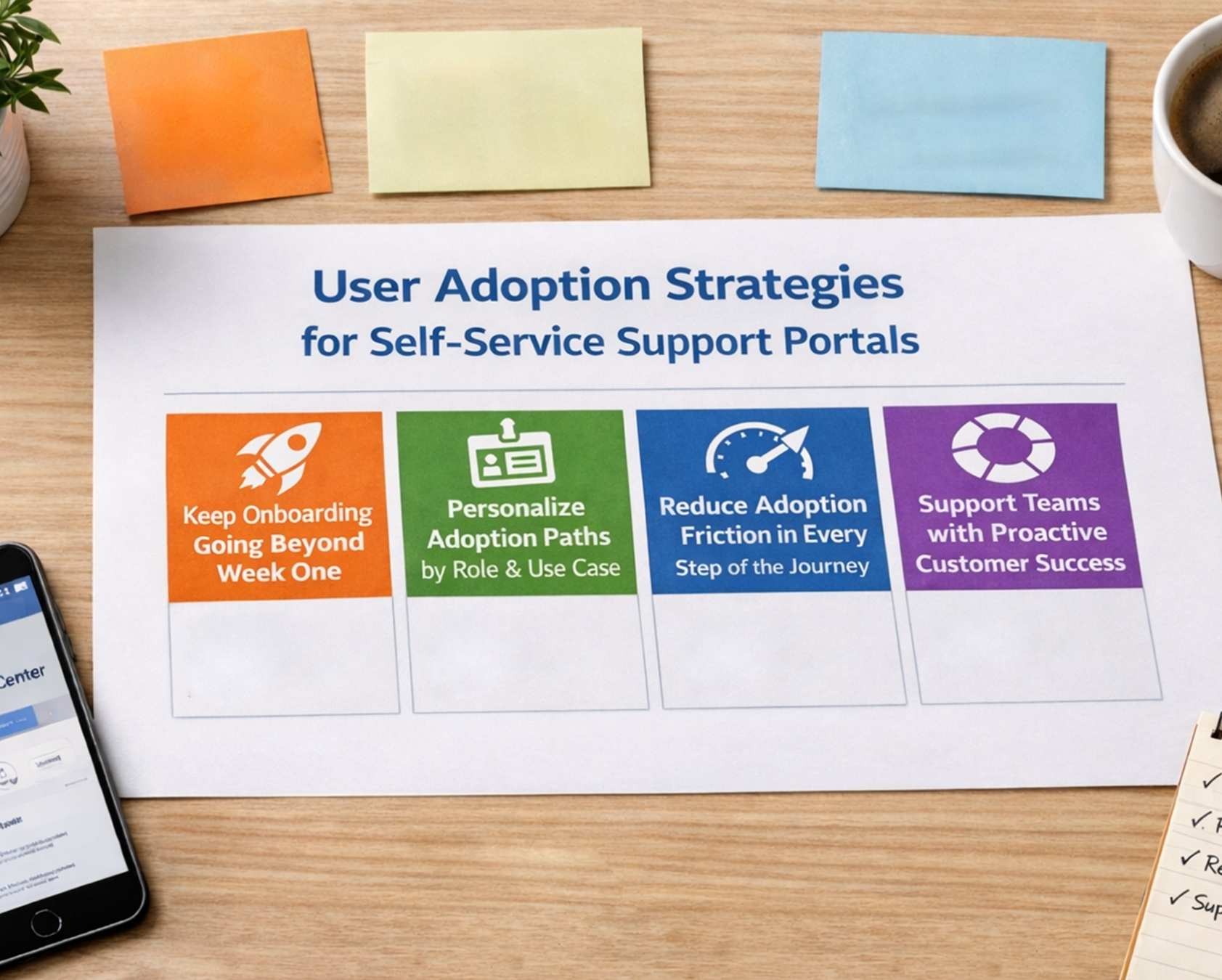
Personalize Adoption Paths by Role and Use Case
Admins, agents, and founders require tailored user onboarding within the onboarding process. Each role expects a different onboarding experience, from initial onboarding setup to advanced workflows. Personalized paths help guide users based on goals, improving feature access and aligning with real usage patterns.
Segment users by industry and volume to refine onboarding experience further. Different workflows shape how users interact with the system. This approach improves user engagement, ensures users follow relevant paths, and supports accessible support through in app messaging and in app surveys.
Reduce Adoption Friction Across the Journey
Identify barriers that slow the onboarding process and increase adoption friction. Simplify steps to reduce adoption friction and improve onboarding experience. Clear instructions help guide users while improving usage patterns and feature access.
Use simple language and structured flows to support user onboarding. Visual progress indicators improve user engagement and ensure users complete setup. Accessible support, in app messaging, and in app surveys help remove confusion and improve how users interact with the system.
Strengthen Customer Success and Retention
A proactive customer success team improves adoption success and long-term customer retention. Early engagement helps reduce customer churn and lowers retention costs while improving business outcomes.
Structured onboarding aligned with business processes supports a strong product adoption strategy. Continuous monitoring of customer feedback, customer communications, and customer data enables data driven decisions that improve adoption and boost product adoption.
Improve Adoption Through Feedback and Optimization
Feedback loops help improve adoption and strengthen adoption success. Regular collection of customer feedback reveals gaps in onboarding and highlights opportunities for increasing customer retention.
Analyzing customer data supports data driven decisions that refine onboarding and engagement strategies. Continuous improvements in customer communications and business processes help boost product adoption while reducing customer churn and improving long-term business outcomes.
Common User Adoption Challenges for Support Teams (and How to Fix Them)
Low initial adoption happens to most small teams rolling out a new helpdesk. The obstacles are predictable, which means the solutions are too. Each challenge below pairs with a practical fix sized for the budgets and resource constraints of growing companies.
Resistance to Change from Agents and Founders
Agents default to personal inboxes or Slack messages because those tools feel faster. The familiar option always seems easier, even when it creates scattered self-service experiences and lost context.
Set a clear internal rule with a specific date. For example: “From April 1st, all customer issues must have a ticket in EasyDesk.” This removes ambiguity about which tool to use.
Show side-by-side outcomes. In one scenario, a customer email gets lost in a crowded inbox for three days. In another, the same request becomes a ticket with clear ownership, an SLA deadline, and a complete history. When agents see the difference, resistance decreases.
Identify early adopters among your agents. These champions help shape workflows and share wins with hesitant teammates. Peer influence works better than top-down mandates for driving long-term behavior change.
Incomplete Setup and Fragmented Channels
Many teams connect one email address and stop there. Chat, social media, and contact forms remain disconnected instead of benefiting from streamlined support with ticket automation. This partial setup means support costs stay high and customers still face fragmented communication.
Create a gradual expansion plan. Week 1 connects primary support email using a streamlined email-to-ticket system. Week 2 adds the website contact form. Week 3 enables live chat. Week 4 integrates one social channel like Twitter or Facebook.
This pace keeps things manageable. The team adapts to each channel before adding more complexity. Full channel coverage lets you see the real value of a centralized ticketing software for better customer support. Customers can find answers and get help regardless of where they reach out.
Lack of Training and Documentation for Internal Teams
Training often stops after a single kickoff meeting. New hires and part-time agents then struggle to find helpful resources. They guess at escalation paths and SLA rules instead of following documented processes.
Create a lightweight internal support playbook that lives in your knowledge base. Cover how your team specifically uses the helpdesk, including escalation procedures, tagging conventions, and common scenarios, and draw on ticket management best practices for modern teams.
Schedule recurring training moments. A 20-minute refresher once a month keeps skills sharp. Quick Slack videos when new features roll out prevent knowledge gaps. These investments in educating employees pay dividends in operational efficiency and consistent customer experience.
No Clear Success Metrics Inside the Customer's Organization
Adoption efforts fail when the team has no shared definition of success. Without metrics, nobody knows whether the new tool helps or not.
Set 2 to 3 simple, measurable goals aligned with ticket SLA management best practices. For example: “Reduce average first response time from 10 hours to 4 hours by June 30th” or “Achieve 90% of tickets resolved within SLA by Q3.”
Review these metrics weekly or biweekly in a short team meeting. Dashboards make this easy. When everyone sees the same numbers, accountability increases and progress becomes visible. Celebrate when metrics improve. Address gaps before they become patterns.
How EasyDesk Helps Support Teams Drive User Adoption
We built for startups and growing teams who need real adoption, not endless configuration. Every feature works together to move new users from signup to daily use as quickly as possible, because user adoption refers to how effectively teams integrate tools into daily workflows and why user adoption important for any saas business.
From first login, guided setup walks users through connecting email, inviting agents, and configuring their first ticket queue. Most customers get their first real ticket flowing through EasyDesk within hours, not weeks. The interface stays focused so small teams start without extensive training or outside help, helping increase user adoption across key stakeholders.
Automation templates come built in for common tasks like automated ticket assignment based on clear rules, tagging based on keywords, and sending follow-up reminders. SLA policies give managers clear visibility into response and resolution times. Our integrated knowledge base lets teams publish helpful information that reduces ticket volume while supporting self service adoption for their own customers, including advanced users and power users, and ties into broader EasyDesk features for smarter customer support.
We bring email, chat, and social media messages into one platform as the best ticket management system for growing teams. This consolidation delivers immediate relief from context switching. A customer who adds email in week 1 and live chat for real-time support by week 2 sees measurable improvement in response times. That quick value drives deeper adoption across the team and supports customer lifetime value clv.
Our support team is available around the clock to help agents and admins with any questions. We maintain a public roadmap and feedback tracking so customers see what improvements are coming. This transparency builds trust and motivates users to explore new features as we release them, aligning with marketing efforts and evolving new technology.
The 14-day free trial of the EasyDesk customer support platform requires no heavy implementation project. Clear onboarding and responsive human support throughout the trial period give teams confidence to commit. Define your own Day 7 and Day 30 milestones across multiple stages, then see how EasyDesk helps you hit them with support from product teams and real world examples.
Frequently Asked Questions
What Is A Self Service Portal
A self service portal is a digital self service tool where individual customers find relevant information without contacting support. It supports customer enablement, works beyond business hours, and delivers fast help across mobile devices. Many users prefer it because it reduces pain points and improves overall self service experiences.
How Do User Adoption Strategies Improve Customer Satisfaction
Effective self service strategies boost adoption by aligning content with customer needs and collecting user feedback. When customers quickly find answers through natural language search, successful self service adoption increases. Better usability also helps businesses outperform competing solutions and deliver smoother support journeys.
What Metrics Measure Self Service Portal Success
Success depends on adoption rate, search accuracy, and resolution without tickets. Businesses track cost savings, engagement from many users, and trends in user feedback. These insights reveal whether the self service portal truly solves pain points and supports long-term successful self service adoption.
How Long Does It Take To Increase Portal Adoption
Most companies boost adoption within a few months when they improve self service experiences, promote the self service portal, and refine content using user feedback. Clear onboarding, strong self service strategies, and consistent updates help many users quickly rely on the portal for everyday support needs.
What Role Does AI Play In Self Service Support Portals
AI strengthens a self service tool by using natural language to understand queries and deliver relevant information instantly. It identifies customer needs, highlights pain points, and recommends improvements. This accelerates customer enablement, increases cost savings, and supports scalable successful self service adoption.



