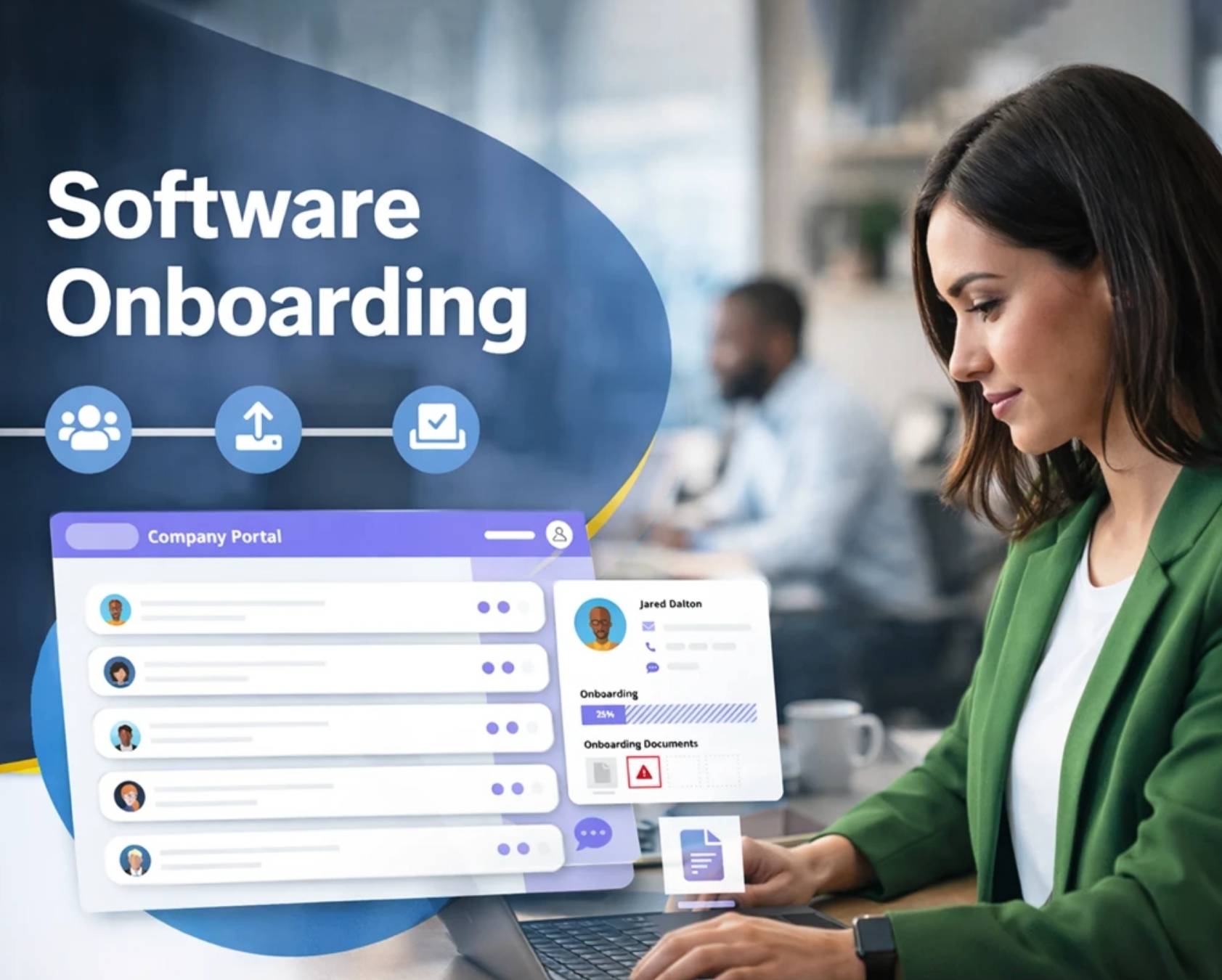
Software onboarding often decides whether users stay engaged or leave within the first few days. A structured onboarding journey helps users understand your product quickly and aligns features with their real needs. When users find value early, they build trust and continue exploring.
A strong onboarding process improves satisfaction, boosts productivity, and increases retention across teams and customers. It removes friction, shortens the learning curve, and creates a smoother transition into daily use. Investing in onboarding software also enhances efficiency while delivering consistent user experiences.
This guide covers proven software onboarding practices, practical processes, essential tools, and strategies that reduce drop-off and support long-term engagement.
What Is Software Onboarding
Software onboarding is the process of guiding users, new hires, or clients to use a product or system with ease. A well-structured onboarding process helps people understand key features and complete onboarding tasks without confusion. It improves the onboarding experience and supports both employee onboarding and customer onboarding.
Onboarding software plays a key role in building an efficient onboarding process. It streamlines onboarding workflows, reduces repetitive tasks, and supports task automation. With features like customizable onboarding checklists, automated workflows, and integration capabilities with existing systems, teams can track progress and manage onboarding documents in one centralized platform.
A successful onboarding process ensures a smooth transition and faster onboarding for new employees and clients. It supports HR processes, project management, and customer success while reducing administrative burden. With scalable solutions and an intuitive interface, onboarding platforms help teams improve onboarding effectiveness and long-term performance by applying proven user adoption strategies that drive SaaS growth.
Software Onboarding Best Practices To Reduce User Drop Off
A poor onboarding experience often leads to early churn. Users leave when value is unclear or setup feels complex. A well-structured onboarding process fixes that. It simplifies onboarding tasks, improves clarity, and helps users reach key milestones faster.
Set Clear First Value Milestones
Users decide fast whether your product is worth their time. Research from Appcues shows that 80% of users drop off if they do not see value early. Clear milestones guide users through the onboarding journey with purpose.
Break the onboarding process into small steps. Focus on quick wins. Show users how to complete onboarding tasks that matter. A successful onboarding process always highlights outcomes, not features. This improves onboarding effectiveness and supports customer success from day one.
Use Simple And Structured Onboarding Flows
Confusion kills momentum. A structured onboarding flow reduces friction and keeps users focused. Data from Wyzowl suggests that 63% of customers consider onboarding when deciding to stay with a product.
Use onboarding checklists and customizable workflows. Keep the onboarding experience simple. Remove unnecessary onboarding paperwork and repetitive tasks. A well-structured onboarding process helps users move step by step without feeling overwhelmed. This approach also improves onboarding compliance and efficiency.
Personalize The Onboarding Experience
Generic onboarding does not work for modern users. Different users have different onboarding needs. Personalization improves engagement and reduces drop-off. According to Segment, 71% of users expect personalized experiences.
Use onboarding software to create role-based onboarding programs. Adjust onboarding workflows based on user goals. Provide training that fits their use case. A smooth onboarding experience builds trust and keeps users active. It also helps teams track progress and improve onboarding solutions over time.
Automate Routine Onboarding Tasks
Manual processes slow everything down. Automating routine tasks reduces errors and saves time. McKinsey & Company reports that workflow automation in customer support can cut operational costs by up to 30%.
Use onboarding platforms with automated workflows and task automation. Reduce manual data entry and administrative tasks. Let teams focus on strategic initiatives instead of repetitive tasks. This streamlines onboarding and improves efficiency, similar to how dedicated ticket automation software for support teams transforms customer operations. It also ensures faster onboarding for new employees and clients.
Provide Ongoing Support And Feedback Loops
Onboarding does not end after setup. Ongoing support is critical for long-term success. Research from Gartner shows that companies that actively support users improve retention rates significantly.
Offer help through onboarding solutions like in-app guides and self-service customer support systems. Allowing clients to ask questions improves their experience. Solicit feedback at key milestones. Use that data to address challenges and refine onboarding workflows. A successful onboarding process always evolves with user needs.
How To Build An Effective Software Onboarding Process
Creating a software onboarding process from scratch requires intentional structure. You need a clear roadmap that connects user needs with product capabilities while tracking what works and what doesn't.
Map The User Journey
Define what success looks like for your users first. Identify the core value your product delivers and the key action that represents that value. Activation might mean creating and completing a first project for a project management tool. Analytics software could count generating a first report as activation, just as support teams may define activation around reduced customer support response time with automation.
Build detailed user personas to understand your target audience's needs, goals and pain points. Create a detailed map of the user journey from signup to their first meaningful outcome. Think about analytics data, unique paths for different user personas and segments, potential friction points and chances to provide guidance across the broader customer support vs customer experience journey.
User onboarding flows affect conversion, retention and customer loyalty directly. 64% of companies agree that defining the user journey is the biggest strategic decision. Your map should visualize every touchpoint where users interact with your product. Plot user actions, emotions and pain points throughout the onboarding experience.
Identify Key Milestones And Success Metrics
Defining clear checkpoints that signal progress matters just as much as mapping. Set goals to give users a clear definition of success and metrics to measure their progress. To cite an instance, you could set goals for what users should accomplish within their first 30, 60 and 90 days.
Track time-to-value as your primary metric. This measures how long it takes users to get from signup to experiencing core product benefits. Monitor feature adoption rates to see which capabilities drive engagement. Analyze drop-off rates to identify where users abandon the onboarding journey.
A structured onboarding process lays out the steps required for every user, so you can ensure all users get the right information at the right time. Organizations with strong onboarding processes increase productivity by 70% and retention by 82%. These numbers prove the direct connection between onboarding effectiveness and business outcomes.
Design The Onboarding Flow
Design your actual onboarding workflow once you know your user journey and key milestones. Define your goals and state what you want users to achieve clearly. Examples include completing compliance requirements or participating in shared features.
Create a structured plan outlining onboarding stages in a timeline. Within each stage, define the steps or objectives to complete, assign responsibility to the core team and collect necessary materials. Coordinate with relevant teams to ensure the onboarding process runs smoothly.
Use surveys, interviews and performance metrics to collect input from users and track progress. Review your defined objectives to analyze feedback and performance data. Identify areas to improve and make necessary adjustments to improve onboarding effectiveness while aligning expectations with a robust SLA management system.
Create A Pre-Onboarding Strategy
Pre-onboarding refers to the process between when a user signs up and their first active session. This phase keeps users engaged and excited to get started. Send a welcome email right away. Provide users with information about what to expect and outline the onboarding agenda.
Complete administrative tasks upfront so users can focus on experiencing value rather than filling out forms. Set up system access and prepare the environment before users arrive. Help draft a structured roadmap that gives users clarity on what they should expect in the upcoming sessions.
Stay in touch throughout this period and be available when users have questions or concerns. One in five people who sign up don't show up on their first session, often because competitors provided a better pre-onboarding experience, supported by the right cloud helpdesk tool for their team. Treat this phase as your chance to build excitement and eliminate barriers before they become problems.
Essential Software Onboarding Tools And Technologies
The right software onboarding tools transform your onboarding strategy from concept to reality. You need technology that delivers continuous experiences without requiring constant developer involvement, similar to how a modern helpdesk system for support teams centralizes requests and workflows.
Product Onboarding Software Solutions
No-code product onboarding software gives your team autonomy to create and modify onboarding experiences on the fly. Platforms like Userpilot, Appcues, and Pendo enable you to build interactive walkthroughs, tooltips and modals without writing code. These solutions help you design customized onboarding experiences that adapt to user behavior and attributes, just as a modern customer service management system adapts support workflows to customer needs.
Pendo stands out for regulated industries and enterprise teams. The platform provides guides within the app that walk users through tasks like setting up profiles and navigating dashboards. 82% of Pendo customers who use it to improve onboarding saw at least a 10% reduction in time and effort. Appcues customers report they've been able to increase time to value for customers and improve onboarding success rate by 15%.
Messaging And Tooltip Tools Within The App
Messages within the app reach users at their most engaged moments. Firebase messaging integrates with Google Analytics to deliver targeted, contextual messages that nudge users toward key actions and complements dedicated multichannel helpdesk software on the support side. You can tailor message design to match your brand across banner and modal formats.
OneSignal enables you to onboard users, explain new functionality and send offers while they're actively using your app. Messages within apps have 18-20 times higher click-through rate than web push and mobile push notifications. This dramatic difference makes messaging within the app vital to encourage feature adoption and drive conversions with customized offers, especially when combined with specialized social media support software to manage external channels.
Analytics And User Tracking Platforms
Analytics tools reveal why users drop off and where they find value. Amplitude specializes in analyzing information based on behavioral cohorts and helps you identify your aha moment and focus onboarding around driving users to it. Mixpanel allows you to run tests on onboarding flow effectiveness, like how Docusign increased first-time conversions by 10% after optimizing with Mixpanel information.
Heap auto-captures behavioral information and lets you analyze user behavior patterns after the fact. Segment centralizes all user information with a single API and tracks actions like features used and emails opened while blending with hundreds of apps. This combined view makes it easier to understand the complete onboarding experience and make improvements based on analytical insights, especially when paired with dedicated knowledge base software and self-service tools.
How To Measure Software Onboarding Success
A strong onboarding process needs clear metrics. Without data, teams cannot improve onboarding effectiveness. The right signals show if users reach value fast or drop off early. Tracking performance helps refine onboarding workflows and improve customer success.
Track Time To First Value
Time to first value shows how fast users experience real benefits. Shorter timelines mean a more efficient onboarding process. According to Appcues, users who reach value within the first session are far more likely to stay.
Measure how long it takes users to complete key onboarding tasks. Use onboarding software to track progress across onboarding journeys. A well structured onboarding process reduces delays and creates a smooth onboarding experience, much like shifting from manual to automated ticketing in support operations. Faster onboarding often leads to higher retention and better onboarding effectiveness.
Measure Activation Rate
Activation rate shows how many users complete key milestones. It reflects how well onboarding programs guide users. Data from Mixpanel highlights that high activation rates directly connect to long term retention.
Define clear onboarding checklists and track completion. Use onboarding platforms to monitor onboarding workflows and user actions. A successful onboarding process ensures users finish essential steps, just as automated ticket management software ensures support requests move efficiently through each stage. Strong activation proves that onboarding solutions align with real user needs and deliver early success.
Analyze Drop Off Points
Drop off analysis helps identify friction in the onboarding journey. Users leave when onboarding tasks feel complex or unclear. Research from Userpilot shows that most churn happens within the first few interactions.
Track where users stop in the onboarding process. Use data from onboarding software and existing tools to find weak points. Fix gaps in onboarding workflows and remove repetitive tasks, similar to how ticket automation in customer support eliminates manual routing and missed messages. A structured onboarding approach helps teams address challenges and create a smoother transition for users.
Monitor User Engagement Levels
Engagement shows how active users are during onboarding. Low engagement signals poor onboarding experience. According to Gartner, companies that focus on engagement see better customer success outcomes.
Track feature usage, session frequency, and onboarding task completion. Use automated workflows and intuitive platforms to guide users, similar to how a smarter help desk platform streamlines support. A smooth onboarding experience keeps users involved and reduces friction. Strong engagement proves that onboarding programs support long-term value.
Collect Feedback And Satisfaction Scores
User feedback reveals gaps that data may miss. Satisfaction scores show how users feel about onboarding. Qualtrics reports that companies using feedback systems improve retention and onboarding effectiveness.
Solicit feedback at key milestones. Use onboarding solutions with self-service capabilities and feedback tools. Allowing clients to share input improves their experience. Use insights to refine onboarding workflows and enhance efficiency. A successful onboarding process always evolves based on real user needs.
Common Software Onboarding Mistakes To Avoid
Many teams invest in onboarding software but still struggle with results. Poor execution leads to confusion and early drop-off. A clear onboarding process helps avoid these issues. Fixing common mistakes improves onboarding effectiveness and long-term customer success, especially when paired with well-defined customer service roles and responsibilities.
Unclear Onboarding Structure
A weak structure creates confusion for users. Without a well-structured onboarding process, users fail to understand what to do next. Research from Userpilot shows that unclear onboarding flows increase churn during the first sessions.
Use onboarding checklists and onboarding workflows to guide users step by step. A structured onboarding approach helps track progress and define key milestones. It also supports employee onboarding and customer onboarding with clarity. Clear direction improves onboarding experience and reduces early frustration.
Too Many Manual And Repetitive Tasks
Manual data entry and repetitive tasks slow down onboarding. Users and HR teams lose time on administrative tasks. According to McKinsey & Company, automation can improve efficiency by up to 30%, just as implementing ticket automation during peak support periods prevents backlogs and missed requests.
Use onboarding software with automated workflows and task automation. Automating routine tasks reduces errors and improves onboarding compliance. It also streamlines onboarding documents and onboarding paperwork. This creates a faster onboarding process and reduces administrative burden across HR operations.
No Personalization In Onboarding Journey
Generic onboarding does not meet different user needs. Users expect relevant experiences based on their role and goals. Segment reports that 71% of users expect personalized interactions.
Use onboarding solutions with customizable workflows and onboarding programs. Adjust onboarding tasks based on user behavior. A personalized onboarding journey improves engagement and customer success. It also helps teams provide training that matches real use cases and improves onboarding effectiveness.
Poor Integration With Existing Systems
Disconnected tools create friction in onboarding. When onboarding platforms do not connect with existing systems, teams face delays. Data from Zapier shows that lack of integration increases operational inefficiencies.
Choose onboarding software with strong integration capabilities. Connect with existing HR systems, project management tools, and employee records to keep even remote teams aligned, similar to how centralized tools keep remote support teams on track. A centralized platform simplifies onboarding processes and reduces manual work. Seamless integration supports a smooth transition and improves overall efficiency.
No Ongoing Support Or Feedback Loop
Onboarding does not end after setup. Lack of support leads to confusion later. According to Gartner, continuous support improves retention and long-term engagement.
Provide ongoing support through onboarding platforms with self-service capabilities. Allowing clients to access help anytime improves their experience. Solicit feedback at key milestones to address challenges. A successful onboarding process evolves over time and supports both team members and clients effectively.
Conclusion
A successful onboarding process is your fastest path to reduce churn and boost customer success. The statistics don't lie: companies with structured onboarding increase retention by 82% and productivity by 70%. Your onboarding experience shapes whether users stay or leave within days.
Map your onboarding trip first and identify key milestones. Onboarding software that optimizes your process and provides in-app guidance will help. Activation rates and time to value metrics let you track progress. Keep iterating based on feedback from actual users.
Strong onboarding effectiveness translates to your bottom line. Get it right, and you'll turn new users into loyal customers who stick around for the long haul.
FAQs
Can Software Onboarding Improve Cross-Team Alignment And Project Management Efficiency?
Yes, a well-structured onboarding process aligns team members around shared goals and workflows. It connects onboarding tasks with project management tools and existing systems. This improves coordination, reduces delays, and supports team’s success across departments.
How Do Integration Capabilities Impact Onboarding Effectiveness In Complex Tech Stacks?
Integration capabilities play a critical role in onboarding effectiveness. A centralized platform that connects with existing HR systems and tools reduces manual data entry. It ensures seamless integration, improves data flow, and helps teams manage onboarding documents and workflows efficiently.
Is Employee Onboarding Software Necessary For Scaling Remote Onboarding Programs?
Yes, employee onboarding software supports scalable solutions for remote onboarding. It enables automated workflows, self-service capabilities, and task automation. This helps HR teams manage onboarding programs, track progress, and ensure a smooth onboarding experience for new employees across locations.
How Can Customizable Onboarding Checklists Improve Compliance And Audit Readiness?
Customizable onboarding checklists ensure onboarding compliance by standardizing onboarding tasks and documentation. They help track key milestones and onboarding documents. A structured onboarding approach reduces errors and supports audit readiness while improving onboarding workflows.
Does Automating Routine Tasks Reduce Operational Costs In Onboarding Processes?
Yes, automating routine tasks reduces administrative burden and operational costs. Task automation removes repetitive tasks and improves efficiency across HR operations. It allows teams to focus on strategic initiatives while onboarding software streamlines onboarding workflows and processes.



